Stick-On Smarts for Renters: Lighting and Switches You Can Actually Use
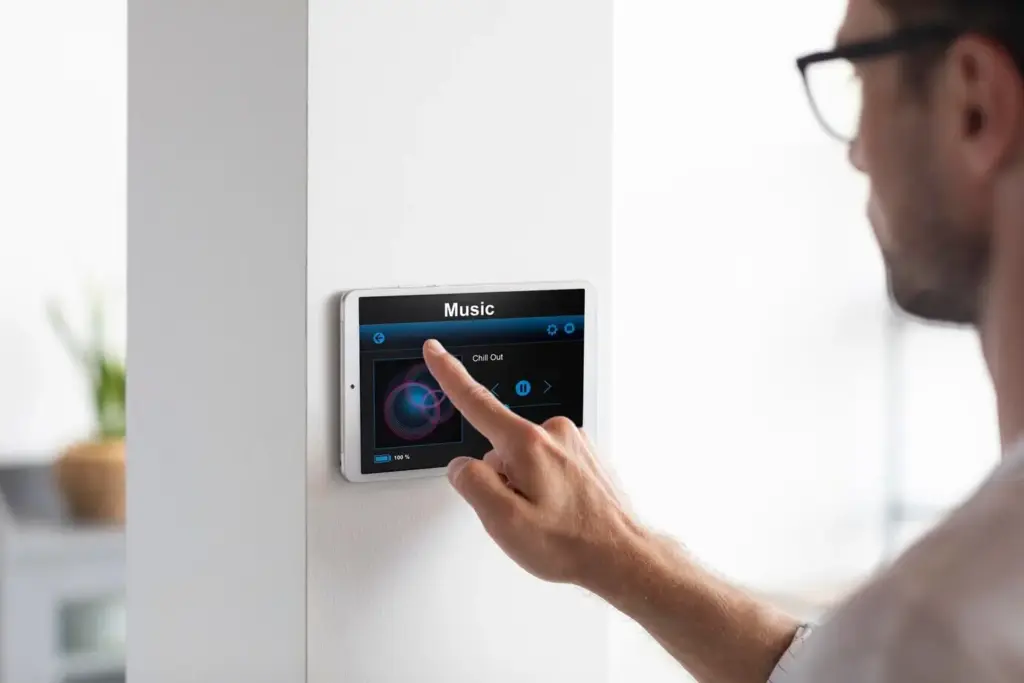
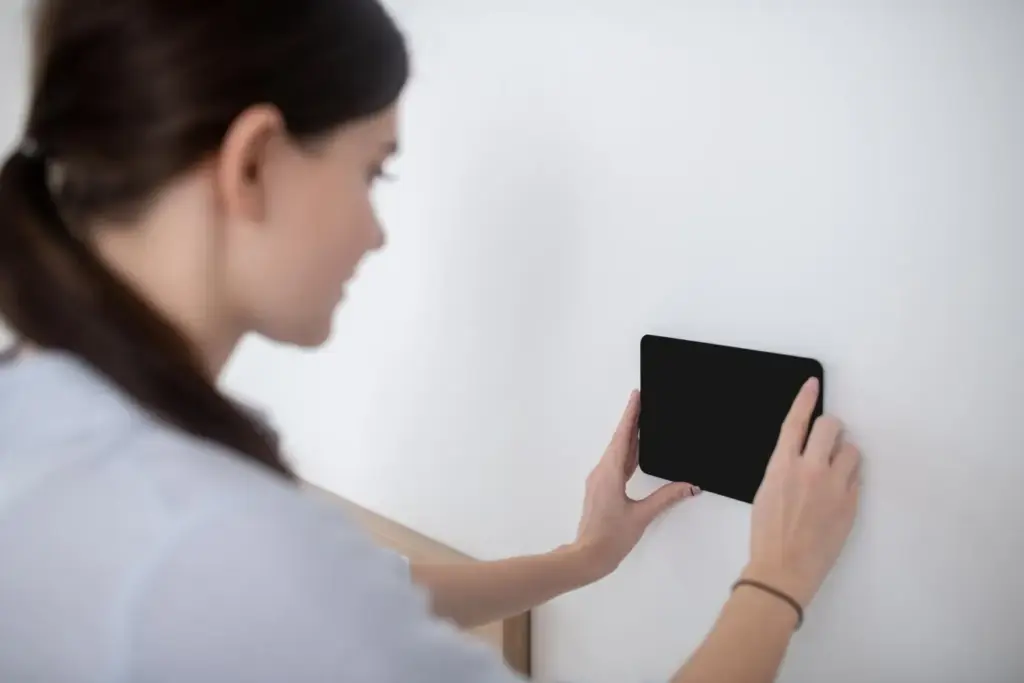
Today we dive into peel-and-stick smart lighting and switches for renters, exploring gear that mounts without drills, pairs quickly with popular apps, and comes off clean when it is time to move. You will learn setup tricks, surface prep, battery habits, and painless removal, alongside real stories of small apartments transformed by motion-activated night paths and gentle morning scenes. Share your experiences, ask questions, and discover renter-friendly ways to brighten comfort and cut energy waste.

First Steps Without Drills

Picking the Right Kits

Look for battery-powered buttons, adhesive dimmers, and light strips that include spare pads, alcohol wipes, and clear removal instructions. Support for Matter or at least reliable Bluetooth helps avoid app fatigue. Read battery type upfront so replacements are easy during busy weeks.

Plan Your Routine Map

Sketch your evening and morning paths, marking doorways, outlets, and dark corners that invite stubbed toes. Then place switches where your hands naturally pause. A renter in Denver discovered the fridge-side button saved nightly steps and made guests feel instantly confident.

Avoid Instant-Stick Regrets

Before committing, tape paper templates at planned spots and live with them for two days. Check if doors, drawers, or elbows hit. Confirm everyone at home can reach. This inexpensive rehearsal prevents crooked mounting and keeps walls cleaner for move-out.

Adhesives, Surfaces, and Lasting Hold

Adhesive pads vary dramatically: some rely on pressure-sensitive acrylic for permanent strength, others use stretch-release tabs that pull off without lifting paint. Clean with isopropyl alcohol, not household sprays, and allow full cure time. Consider humidity near bathrooms and textured walls that reduce contact. A quick adhesion test on a hidden spot builds confidence and avoids Sunday-night surprises when you finally mount the hallway puck.

Power, Batteries, and Cable-Free Tricks

Battery life varies by sensor sensitivity, LED brightness, and how often you trigger scenes. Many stick-on remotes sip power for a year or more on a coin cell; rechargeable light bars last weeks between USB charges. Place chargers where routines already pass. Keep a labeled tin of spare cells, and set reminders so you never scramble in darkness before a school run or late flight.

Choosing Cells and Chargers Wisely

Check whether devices use CR2032, AAA, or proprietary packs, then standardize across rooms to simplify spares. A compact multi-bay USB charger by the entry table encourages quick top-ups. Track replacements in a note app; patterns will reveal where motion timings need refinement.

Squeeze More Hours From Every Charge

Use ambient light detection so motion only triggers when it is genuinely dim. Lower brightness in hallways and closets; raise it for tasks. Batch charging on Sunday nights becomes a ritual, like watering plants, keeping weekday routines smooth and predictable.

Cable Management Without Holes

Where you must run USB leads, keep things neat with removable clips and slim Velcro ties. Route along cabinet undersides and furniture edges, avoiding painted areas you cannot match. One couple hid a pantry charging hub behind a breadbox, entirely tool-free.

Apps, Voice, and Compatibility That Actually Works

Compatibility matters more in rentals because you cannot rewire to fix mistakes. Seek devices that support Matter or at least play nicely with Alexa, Google Assistant, or HomeKit. Prefer local control to survive internet hiccups. Share access with roommates carefully, using individual accounts where possible. A tiny studio can feel luxurious when a bedside button triggers warm bedside lamps and a soft hallway glow on a single, reliable routine.

Design, Mood, and Everyday Comfort

Layered light transforms rentals without paint or power tools. Combine warm-white strips under shelves, a cooler task lamp by the desk, and tiny night lights guiding late walks. Use dimmers and gentle fades to soften edges after long days. When friends visit, a single adhesive button can call up a cozy scene that flatters conversation and hides clutter with thoughtful shadows along books and plants.

Clean Breaks With Stretch-Release

Peel tabs straight down while bracing the mount gently; the strip thins and releases. If adhesive resists, warm with a hair dryer and try again. Avoid twisting. Any stubborn film lifts with citrus remover on a cloth, followed by a mild soap wipe.

Document, Label, and Store

Label each button and strip with room names before packing, then bundle related parts. Snap photos of settings screens for quick reconfiguration in the next place. A cheap accordion folder keeps receipts, manuals, and spare tabs together so replacements and warranty claims stay simple.

Leave It or Take It?

If your setup impresses the landlord, negotiate to leave select pieces in exchange for paint touch-ups or a small rent credit. Otherwise, restore to original, leaving the space spotless. Either way, share your approach in the comments so others learn from your outcome.
Reporopulonuti
Privacy Overview

This website uses cookies so that we can provide you with the best user experience possible. Cookie information is stored in your browser and performs functions such as recognising you when you return to our website and helping our team to understand which sections of the website you find most interesting and useful.